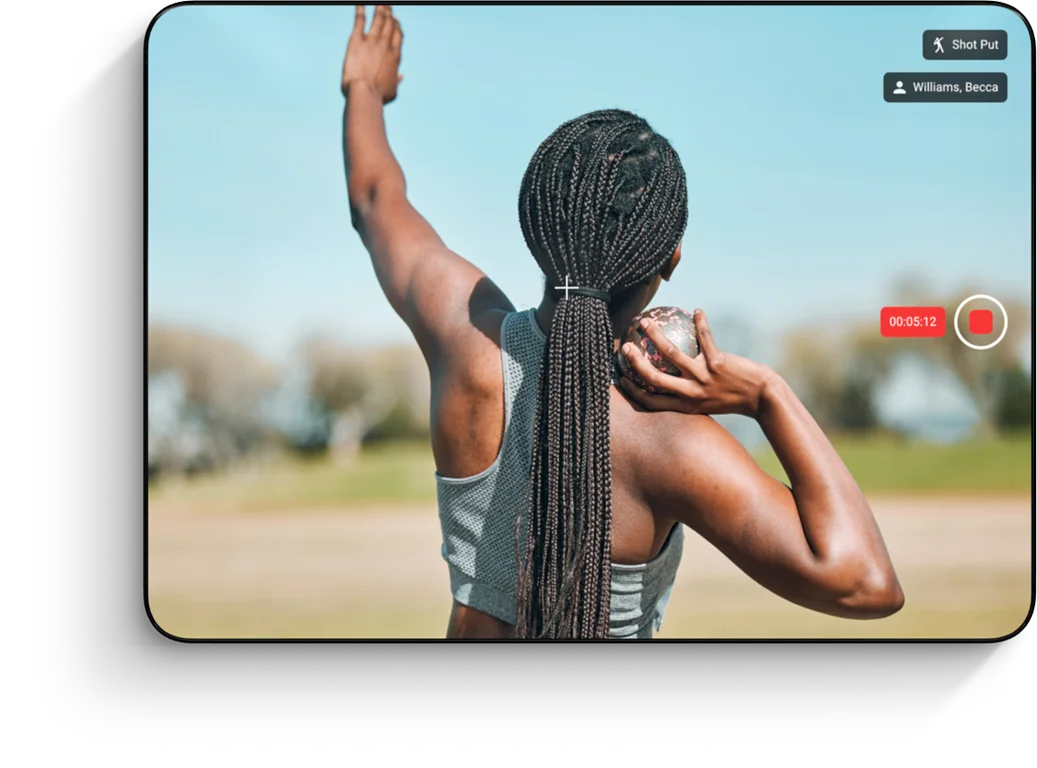
March 13, 2026
|
Brand & Vision
TrackBoss is a coaching platform built exclusively for track and field — combining video capture, results, and athlete management in one system designed for the way track programs actually work.
This is the most significant feature release we've shipped to date. Every addition in 2.2.0 is built around one idea: making your video more useful, not just more plentiful.
Here's a full breakdown of what's new and how it fits into your coaching workflow.
Track and field is decided by small margins. A hip that drops an inch early. A takeoff board that's slightly off. A relay exchange that loses half a step. Coaches have always known this — but without a structured way to compare attempts, the feedback stays verbal and the athlete has to take your word for it.
Video Comparison changes that.
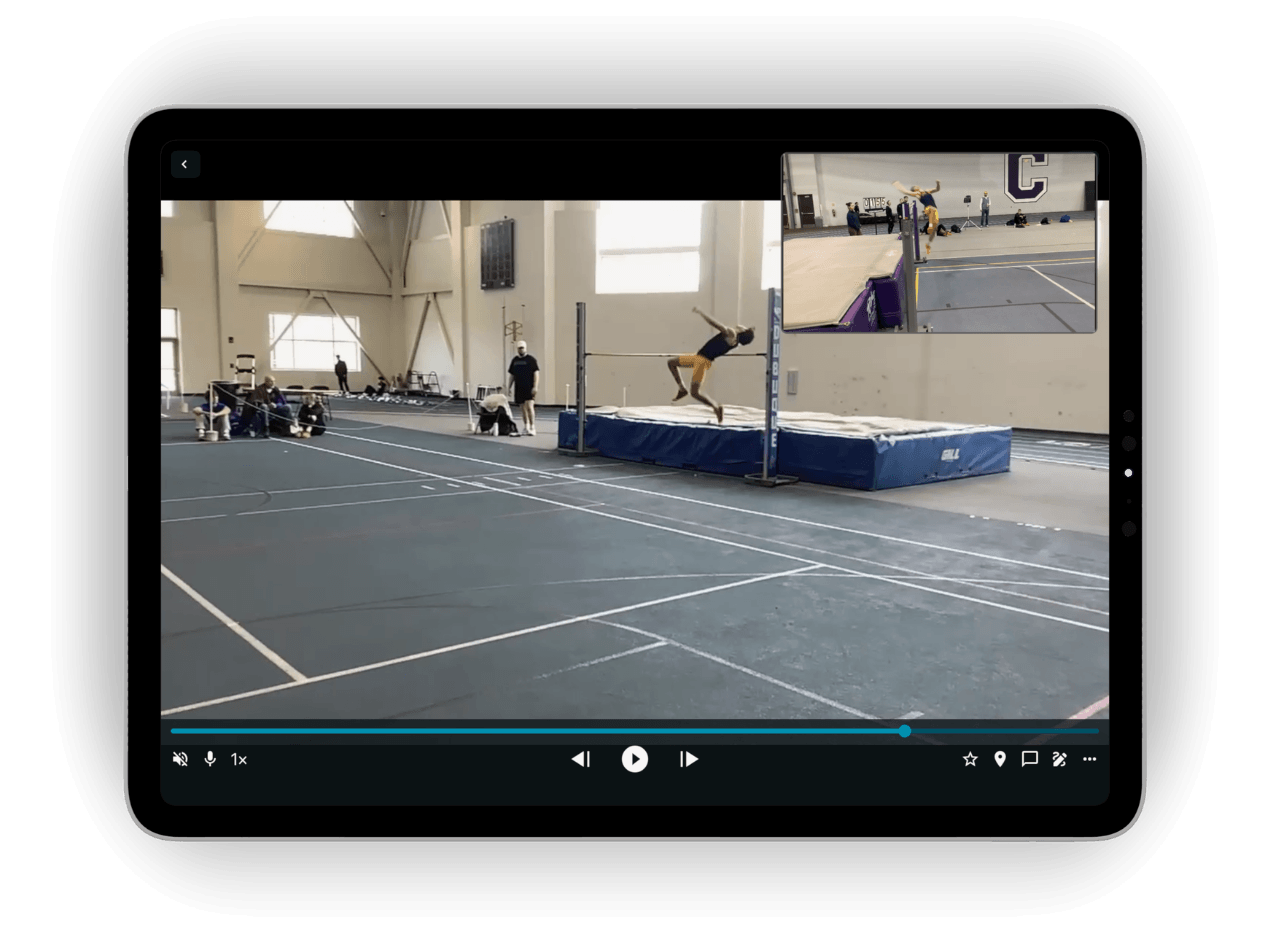
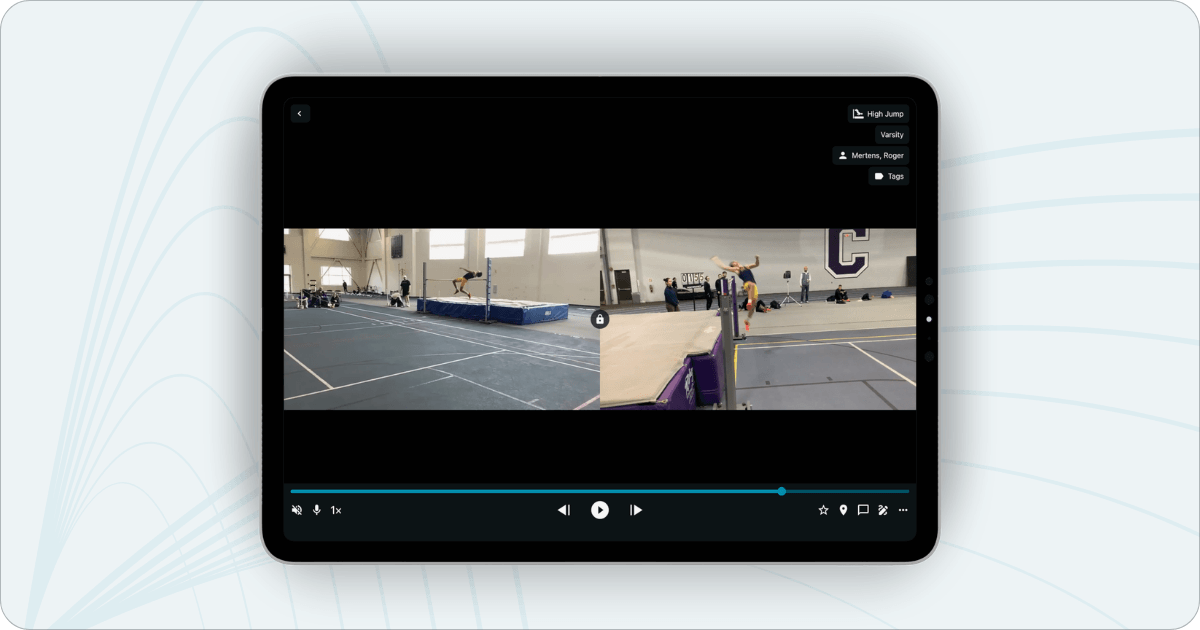
You can now load two clips and view them side-by-side or in picture-in-picture mode. Switch between both views in the same session depending on what you're trying to show. Pull clips from your recorded attempts, from the new Reference Library, or upload a clip directly.
For field events especially, this is the kind of review session that used to require a separate editing app, a laptop, and a lot of extra time. Now it's built directly into TrackBoss.
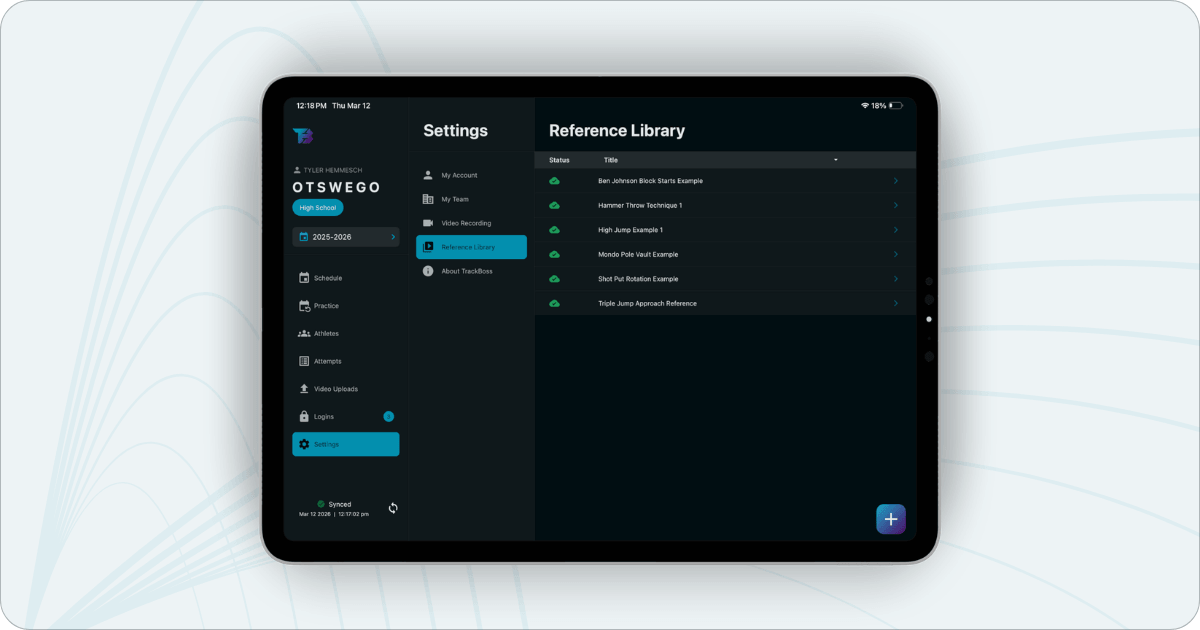
If you coach technique, you probably have a handful of clips you return to over and over — a model long jump, a clean hurdle cycle, a relay exchange worth showing every incoming freshman. Until now, using those clips meant reuploading them every time.
The Reference Library solves that. Upload a technique clip once and it lives there permanently, ready to pull into any comparison session without starting from scratch. Build your library over time. Your model videos stay organized and accessible across the entire season.
Athletes don't always have time to review video with you standing next to them. And feedback delivered hours after a meet — when context has faded — lands differently than feedback tied directly to the attempt.
Coach Voice Over closes that gap. Record your voice on top of any attempt, directly in TrackBoss. No third-party app, no extra steps. When your athlete opens the clip to review, they hear your feedback exactly where it belongs — on the play.
This is especially useful for programs where athletes review film independently, on the bus, or in the evening after a meet. Your coaching travels with the video.
Recording a full race from start to finish has always meant a choice: capture everything and end up with a long file that's hard to work with, or miss something important by starting late.
For all running events, you can now pause and resume mid-recording. Start at the gun, pause between key moments, resume when it matters — and the result is one clean video file with exactly what you need. No extra trimming, no fragmented clips.
As your attempt library grows across a season, finding the right clip for a film session gets harder. Favorite Attempts lets you mark any attempt as a favorite and filter to those clips when you're building a review session.
It's a small feature with a practical payoff: less time digging, more time coaching.
Video Comparison and Coach Voice Over, in particular, represent something track and field coaching hasn't had much access to before — structured, sport-specific film review built into the same system where your results already live. You don't need a workaround. You don't need a second app. It's all in one place.
Update TrackBoss on iOS or Android to get started with 2.2.0. If you have questions about any of these features or how to work them into your program, talk to our team.